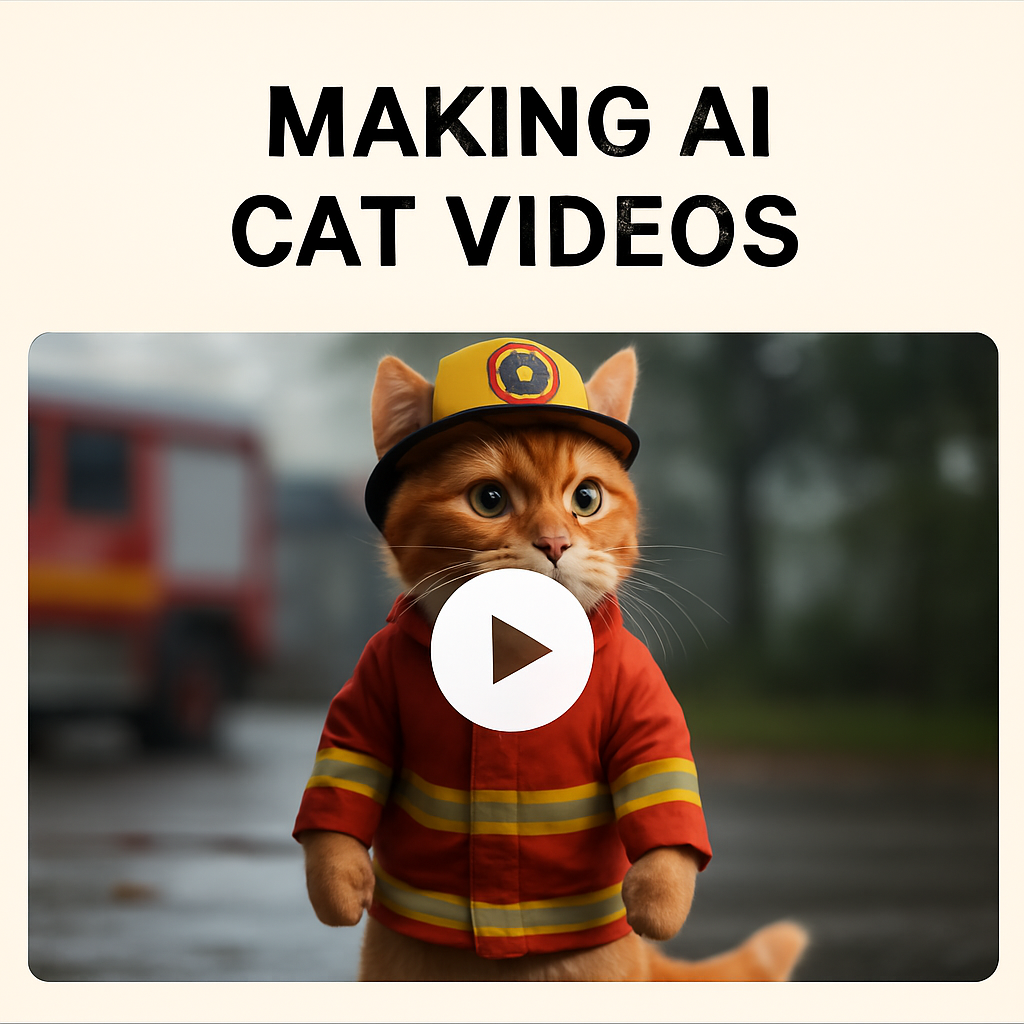
Turning still images into short, dynamic videos is a key part of the Firefighter Cat production process. Here’s how we bring our AI-generated scenes to life.
1. Choose the Right Tool
We primarily use AI-powered video generators like Runway or KLING. These tools allow us to animate characters and backgrounds with minimal manual effort.
2. Import Image Sequences
Each video is based on a set of still images created beforehand. We import the full sequence into the video tool, typically 5–6 key images that follow a comedic arc.
3. Write a Video Prompt
To animate each scene, we write a short English prompt. These prompts describe the desired movement or action, such as:
“The cat jumps forward in slow motion”
“The fish splashes as the cat lands”
This allows the tool to understand what motion to generate.
4. Adjust Motion and Timing
Even with AI, fine-tuning is important. We adjust the speed, flow, and transitions to keep the video smooth and comedic. Fast cuts are usually avoided unless they serve a joke.
5. Export the Clip
Each clip is exported in vertical format (9:16) at high resolution. We keep the videos under 15 seconds for optimal performance on TikTok and YouTube Shorts.
Final Notes
AI video tools are powerful, but human input makes the humor work. Writing the right prompts and arranging the sequence carefully helps turn still images into a hilarious short story.
👉 Next: Writing Animation Prompts