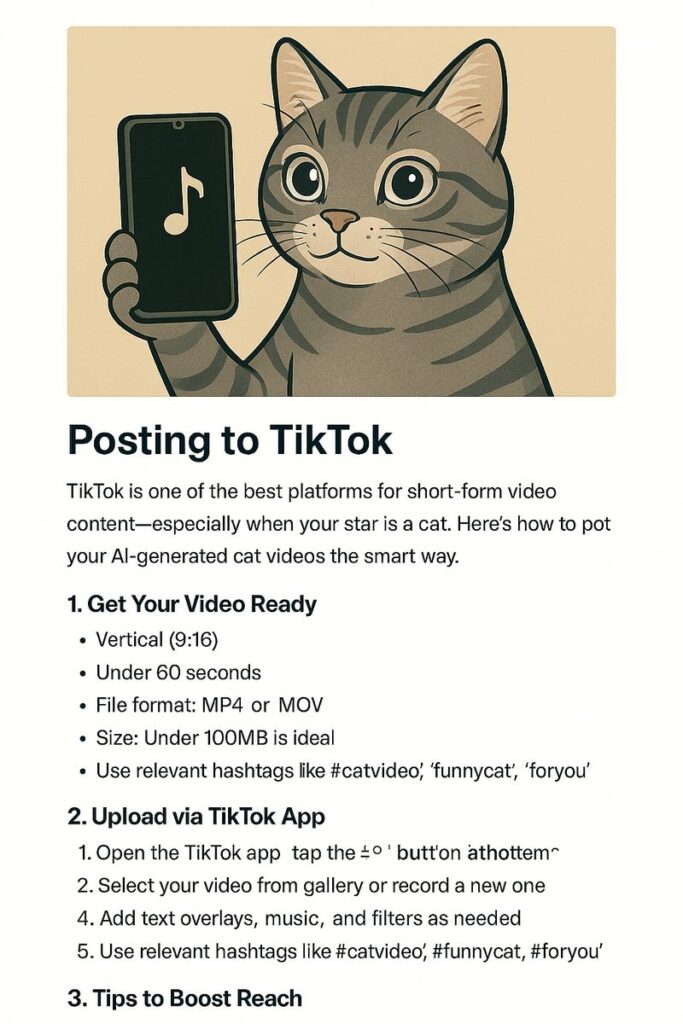
TikTok is one of the best platforms for short-form video content—especially when your star is a cat. Here’s how to post your AI-generated cat videos the smart way.
1. Get Your Video Ready
Before uploading, make sure your video is:
- Vertical (9:16)
- Under 60 seconds
- File format: MP4 or MOV
- Size: Under 100MB is ideal
You can edit your videos in CapCut, Premiere Pro, or any video editor. Add captions, filters, and trim to the best moment.
2. Upload via TikTok App
- Open the TikTok app
- Tap the
+button at the bottom center - Select your video from the gallery or record a new one
- Add text overlays, music, and filters as needed
- Use relevant hashtags like
#catvideo,#funnycat,#foryou - Set your caption, cover, and visibility
- Tap Post
3. Tips to Boost Reach
- Hook in the first 3 seconds: TikTok users scroll fast
- Use trending sounds
- Add subtitles to improve retention
- Engage with comments to improve visibility
4. Cross-Promote
- Mention your YouTube Shorts channel
- Add a link in bio (Linktree works great)
- Create similar videos for both platforms and compare the results
Final Thoughts
TikTok is unpredictable—but also a great testing ground for your content. If a video performs well here, it might be worth repurposing on YouTube Shorts or Instagram Reels.
👉 Next: Scaling the Process