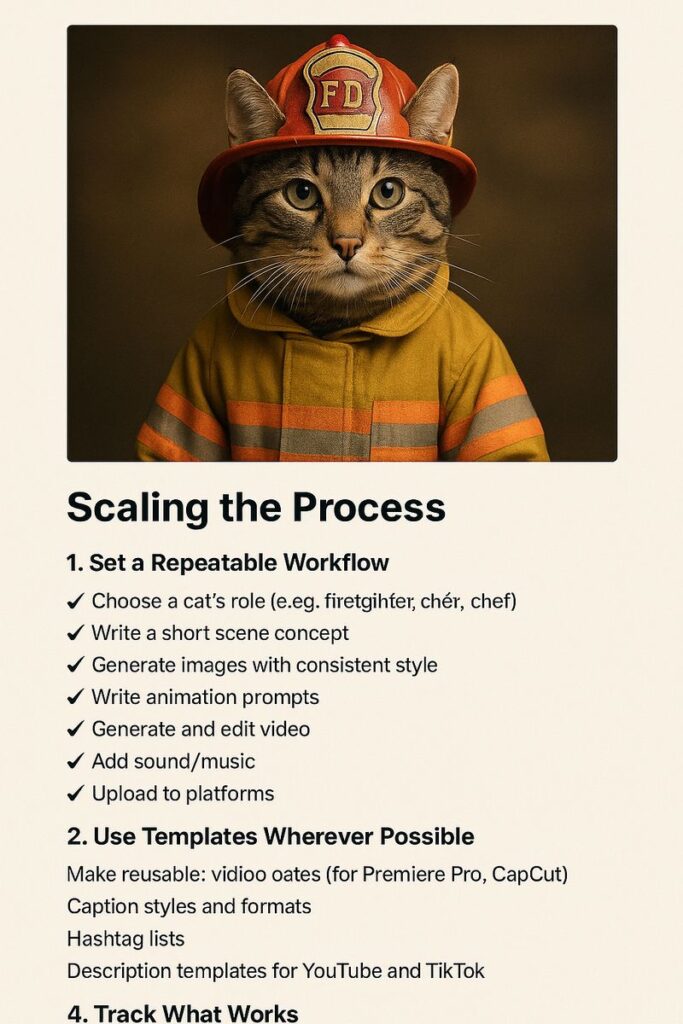
Once you’ve created a few successful cat videos, it’s time to think about how to scale your production and streamline your workflow.
1. Set a Repeatable Workflow
Create a checklist for each video:
- ✅ Choose the cat’s role (e.g., firefighter, chef)
- ✅ Write a short scene concept
- ✅ Generate images with consistent style
- ✅ Write animation prompts
- ✅ Generate and edit video
- ✅ Add sound/music
- ✅ Upload to platforms
Having a template cuts down time significantly.
2. Use Templates Wherever Possible
Make reusable:
- Video editing templates (for Premiere Pro, CapCut)
- Caption styles and formats
- Hashtag lists
- Description templates for YouTube and TikTok
The less you start from scratch, the faster you work.
3. Automate the Boring Stuff
Use tools or scripts to automate:
- Naming and saving files
- Uploading videos with preset descriptions
- Scheduling social posts
- Generating ideas with ChatGPT
The more you automate, the more consistent and scalable your output becomes.
4. Track What Works
Make a simple spreadsheet to track:
- Video title
- Date posted
- Views, likes, comments
- Engagement rate
- Platform
This helps identify which cat jobs and styles perform best.
Final Notes
Scaling doesn’t mean sacrificing creativity—it just means you’re using your time smarter. Build a system that lets you focus on what matters: telling great (and funny) cat stories.
👉 This is the final guide in this series. Go back to How We Create Cat Images to start again or explore our project logs.